

input evices (Medium) Feuille de Travail • Téléchargement PDF Gratuit avec Clé de Correction
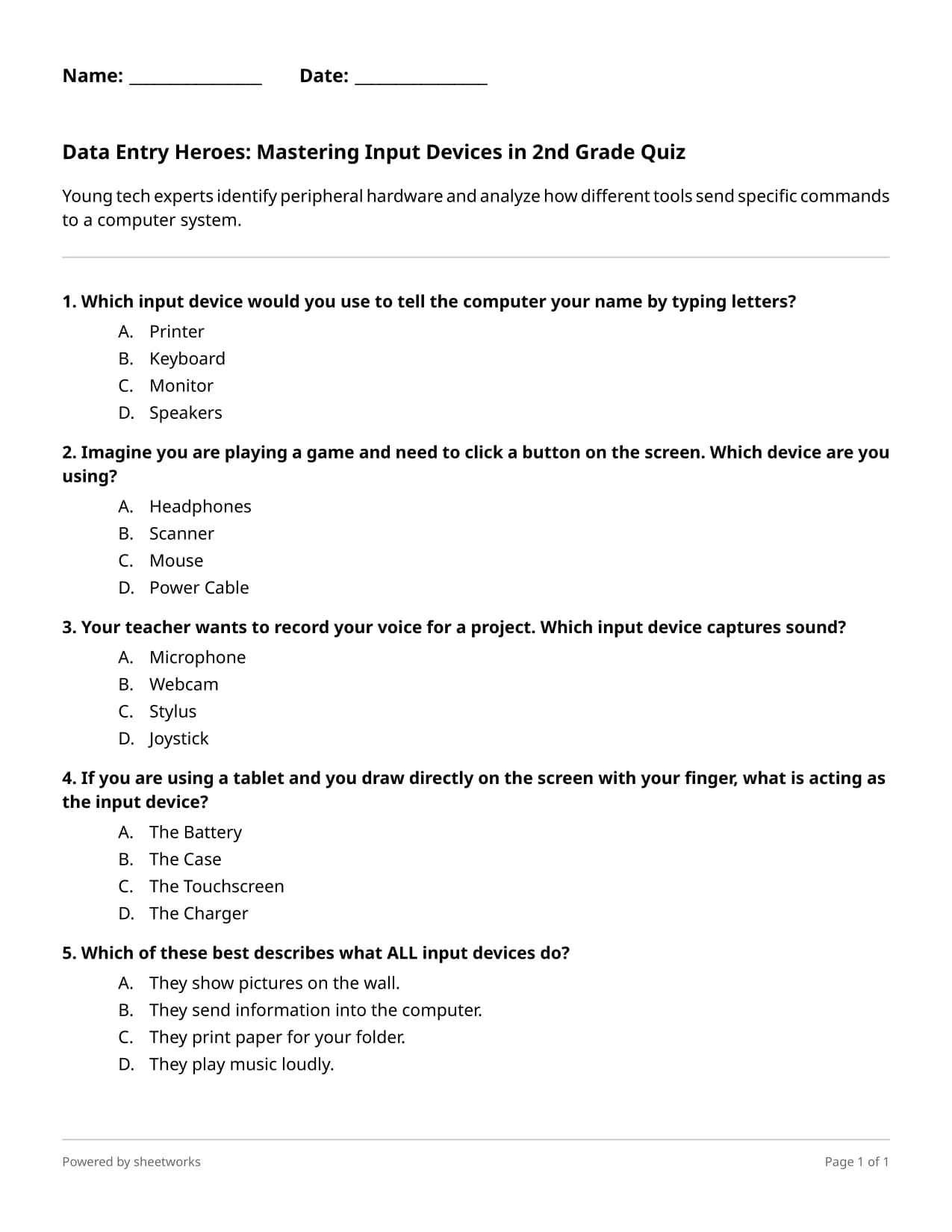
Young tech experts identify peripheral hardware and analyze how different tools send specific commands to a computer system.
Vue d'ensemble pédagogique
This quiz assesses student understanding of computer input devices and their role in human-computer interaction. The pedagogical approach utilizes real-world scenarios to scaffold the transition from concrete hardware recognition to abstract functional analysis of data entry. It is ideal for an introductory computer science unit or as a formative assessment to gauge mastery of basic digital literacy and hardware systems.
Vous n'aimez pas cette feuille de travail ? Générez votre propre feuille de travail Arts And Other Computer Science And Technology en un clic.
Créez une feuille de travail personnalisée adaptée aux besoins de votre salle de classe en un seul clic.
Générez Votre Propre Feuille de TravailCe que les étudiants vont apprendre
- Identify common input devices such as keyboards, mice, microphones, and touchscreens.
- Analyze the specific function of peripheral hardware in sending data and commands to a computer system.
- Distinguish between different types of input signals including text, sound, and tactile touch.
- Apply knowledge of computer hardware to solve situational problems related to data entry.
All 5 Questions
- Which input device would you use to tell the computer your name by typing letters?A) PrinterB) KeyboardC) MonitorD) Speakers
- Imagine you are playing a game and need to click a button on the screen. Which device are you using?A) HeadphonesB) ScannerC) MouseD) Power Cable
- Your teacher wants to record your voice for a project. Which input device captures sound?A) MicrophoneB) WebcamC) StylusD) Joystick
- If you are using a tablet and you draw directly on the screen with your finger, what is acting as the input device?A) The BatteryB) The CaseC) The TouchscreenD) The Charger
- Which of these best describes what ALL input devices do?A) They show pictures on the wall.B) They send information into the computer.C) They print paper for your folder.D) They play music loudly.
Try this worksheet interactively
Try it nowUtilisez cette feuille de travail dans votre salle de classe, elle est entièrement gratuite !
Essayez cette feuille de travailModifier la feuille de travailTélécharger au format PDFTélécharger la clé de réponseEnregistrer dans votre bibliothèque
Ajoutez cette feuille de travail à votre bibliothèque pour la modifier et la personnaliser.
Foire Aux Questions
Yes, this Computer Science Quiz is an excellent no-prep tech sub-plan because it uses clear explanations and real-world examples that students can navigate independently.
Most second graders will complete this hardware-focused quiz in approximately ten to fifteen minutes, making it a perfect quick check for understanding during a technology lab session.
This digital literacy quiz includes helpful explanations for each answer, providing immediate feedback that supports scaffolding for students who may struggle with technical terminology.
While specifically designed as a grade 2 computer science quiz, the simplified language and focus on foundational hardware makes it accessible for any lower elementary student learning about technology.
You can use this technology quiz as an exit ticket following a hands-on hardware tour to identify which students have mastered the concept of data flow from input devices.
Feuilles de travail connexes

Remplir les Espaces Manquants

Quiz à Choix Multiples

Cartes Flash

Cartes Flash • Classe 4